
Google Ads Smart Bidding now uses conversion actions that a campaign is not bidding toward to improve its predictions, under a feature called Search Journey Awareness. Google updated its Google Ads Help pages with a new article, About Search Journey Awareness, and added the feature as a fifth benefit on the About Smart Bidding page, which previously listed four. The PPC Times detected both changes on November 16, 2026. The feature applies to Search campaigns and Search inventory in Performance Max that use Smart Bidding, with no opt-in.
How does Search Journey Awareness work in Google Ads Smart Bidding?
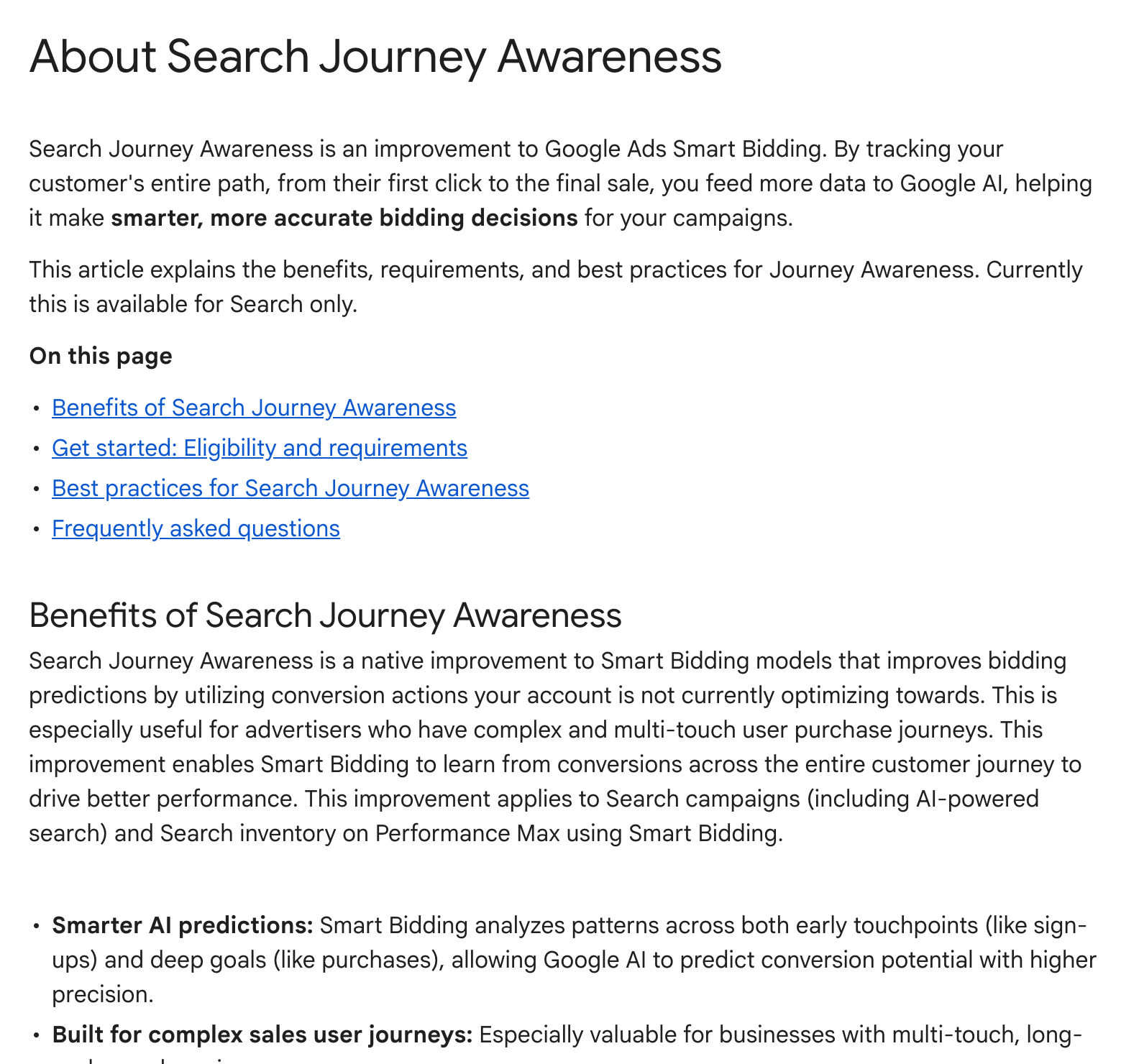
The help page describes Search Journey Awareness as a built-in change to Smart Bidding models. Smart Bidding learns from conversions across the customer journey, such as early sign-ups and later purchases, including secondary conversion actions the account is not optimising toward. Google says this is most useful for multi-touch, long-cycle purchase journeys.
It is turned on automatically when an account meets these criteria:
- Campaign types: Search campaigns, including AI Max and Performance Max campaigns (Search inventory)
- Bid strategies: Target CPA, Target ROAS, Maximize Conversions or Maximize Conversion Value
- Conversion setup: the account sends conversion signals from the full user journey
The page says there is no on/off switch, and that it is currently available for Search only. It is also compatible with Auction Time Bidding in Search Ads 360 and with Floodlight conversions imported from SA360.
What the help page says about secondary conversions
The FAQ on the page answers several setup questions:
- Adding secondary conversions should not hurt performance: Google says Smart Bidding ignores secondary signals it predicts are not useful.
- Minimum volume thresholds don't apply to secondary conversions used as signals.
- Changing secondary conversion actions does not affect active bidding, while changing primary goals can cause short-term fluctuations.
- Adding secondary actions changes the "All conversions" column but not "Conversions".
Its best practices include tracking all shallow and deep conversion actions, sorting actions not used for bidding into the right conversion goal (the Default category is not supported), bidding to the deepest goal, preferring conversion delays under 7 days, and not removing existing conversion actions when restructuring.
Why it matters for advertisers
Under Search Journey Awareness, secondary conversion actions still don't count in the "Conversions" column, but the help page says Smart Bidding can learn from them. That changes what a secondary action does in an account. For lead generation and B2B accounts with long sales cycles, a well-mapped lead-to-sale funnel could give bidding more signal than one primary action. Accounts where secondary actions sit in the Default category, or where old, noisy actions are left in place, may not see the benefit the page describes.
What to do now
- Review the Goals page and move secondary actions out of the Default category into the right goal.
- Track the steps between lead and sale, for example qualified lead and closed deal, if you don't already.
- Keep the deepest goal you can measure as primary, and send offline conversions as soon as they are available.
- Avoid deleting conversion actions during clean-ups, which the page advises against.
- Note changes to primary goals in your change log, since Google warns they can cause brief fluctuations.