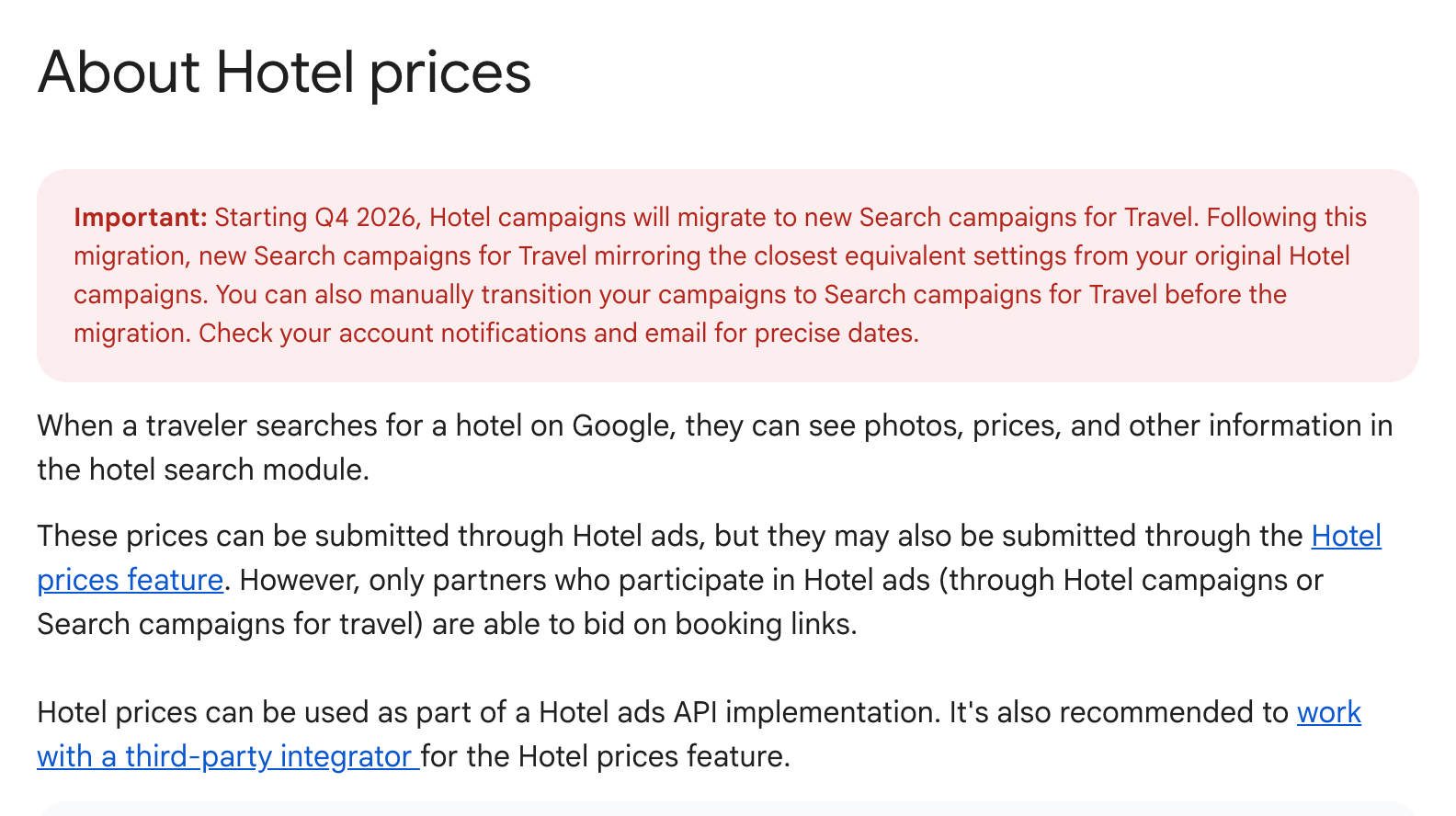
Google Ads Hotel campaigns are being replaced by Search campaigns for Travel, a Search campaign type that runs travel ad formats through AI Max. Google updated its Google Ads Help pages with a set of new articles on the change, detected by The PPC Times on November 16, 2026. The About Hotel prices page now says that starting Q4 2026, Hotel campaigns will migrate to the new campaign type, and the migration guide says Hotel campaigns that are left alone will end and be recreated automatically in mid-H1 2027. Advertisers running Hotel campaigns are affected, and the new campaign type also covers things to do, events and vacation rentals.
What are Google Ads Search campaigns for Travel?
Search campaigns for Travel bring travel ad formats into a standard Search campaign. According to the new About AI Max for Search campaigns for travel page, a campaign needs the following to use travel features:
- A Hotel Center account (hotels and vacation rentals) or Actions Center account (things to do and events) linked to Google Ads
- AI Max turned on, with a data feed selected in campaign settings
- At least one ad format per ad group: text ads, Travel Promotion Ads or Booking Links (all are selected by default)
- An item group in the ad group for Booking Links to serve
Availability differs by vertical. Hotels get all three formats. Things to do and events get text ads and Travel Promotion Ads. Vacation rentals get text ads, with Travel Promotion Ads in pilot. Car rentals are limited to text ads, with other formats in pilot, and flights are not supported.
How does the Hotel campaign migration work?
The migration guide gives advertisers two routes:
- Migrate yourself in the interface or through the Google Ads API: build new Search campaigns for Travel, then pause the old Hotel campaigns so they are not auto-migrated.
- Wait for the auto-migration in mid-H1 2027. Google says it will email precise dates. Only active campaigns are eligible, and the new campaigns are set to active by default.
The guide lists these differences between the two campaign types:
- Bidding: eCPC and CPC% are not offered in Search campaigns for Travel. In the auto-migration both move to Manual CPC; for CPC% campaigns the bid is set to the average CPC of the past 30 days. Campaigns on Target ROAS or plain Manual CPC move over with equivalent bidding, budget and targeting settings.
- Length of stay: Search campaigns for Travel do not multiply CPC bids by the itinerary's length of stay, so Google sets a length of booking bid adjustment to make up for it.
- Item-level max CPC: available for early testing for hotel Travel Promotion Ads and Booking Links, with general availability planned for early 2027.
- Reporting: Travel Promotion Ad impressions and impression share are counted differently.
- Tracking: parallel tracking is required, tracking templates and custom parameters move from the hotel group to the ad group level, and the ValueTrack target ID uses a "kwl" prefix instead of "hpi".
- History: historical performance does not transfer to the new campaigns but stays viewable in the old Hotel campaigns.
The guide also says hotels in a Search campaign for Travel won't compete with the same hotels in a Hotel campaign in the same account.
Why it matters for advertisers
Travel advertisers on eCPC or CPC% are the most exposed, since those strategies have no direct equivalent and are converted to Manual CPC with new bids. Booking engines and agencies that parse "hpi" target IDs or hotel group-level tracking templates could see broken reporting after the switch. Because new campaigns start without history, Smart Bidding strategies are likely to need time to learn again.
What to do now
- Check which Hotel campaigns use eCPC or CPC% and decide on a replacement strategy before Google picks one.
- Audit tracking templates, custom parameters and any scripts or feeds that read ValueTrack target IDs.
- Consider running a Search campaign for Travel next to an existing Hotel campaign to compare performance, which the overview page suggests many advertisers do.
- Export Hotel campaign reports you rely on, so comparisons stay simple after the move.
- Watch account notifications and email for the auto-migration dates.