
Google updated two Google Ads Help pages on Performance Planner, with the changes detected by The PPC Times on November 14, 2026. The pages now describe Forecast Levers, toggles that estimate the lift from switching to Value-Based Bidding or raising Performance Max Ad Strength, and say Demand Gen campaigns can be planned in the same plan as Search, Shopping and Performance Max campaigns. Google's page says Forecast Levers are gradually rolling out and may not be available in all accounts. The pages do not say when Google made these changes.
What are Forecast Levers in Google Ads Performance Planner?
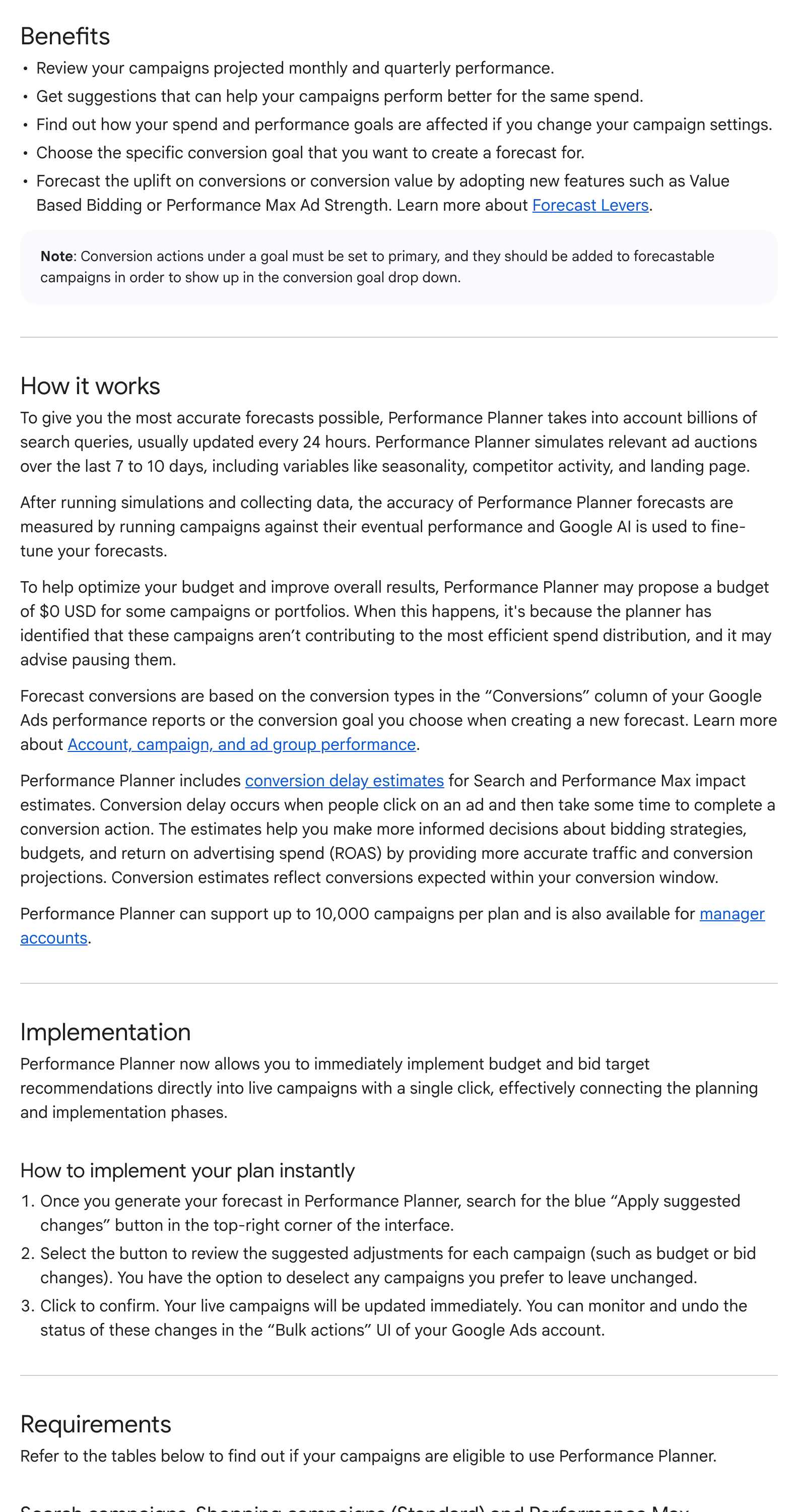
According to Create and edit a plan with Performance Planner, Forecast Levers are interactive toggles in a draft plan. When you create or open a draft plan, Performance Planner scans your campaigns to see which levers you can simulate. The page lists two:
- Value-Based Bidding (VBB): estimates the increase in conversion value and ROAS from moving from Maximize conversions or Target CPA to Maximize conversion value or Target ROAS. The plan's key metric must be Conversions or Conversion value, campaigns must track conversion values and not already use value-based bidding, and only Search and Performance Max campaigns qualify. Performance Max for retail campaigns with a Merchant Center feed are excluded.
- Performance Max Ad Strength: estimates how much eligible auctions and conversions would grow if asset quality reached "Excellent". It needs at least one Performance Max campaign in the plan, asset groups rated "No ads", "Poor", "Average" or "Good", and more than 0 impressions in the last 28 days.
For both levers, campaigns should not use a shared budget, a portfolio bid strategy or a campaign experiment. The levers sit in a "Customize forecast" panel, and the forecast curve updates as you switch them on or off. Google says budget and bid changes can be applied in the account, and that other changes come with guided implementation steps.
What changed for Demand Gen planning?
The About Performance Planner page now says Demand Gen campaigns can sit in the same plan as Search, Shopping and Performance Max campaigns, where previously they had to be planned separately. By default, Performance Planner sets Demand Gen campaigns to a "30% less restrictive efficiency target" than the other campaign types. A slider changes that default, and you can keep CPA or ROAS targets the same across all campaigns.
The page also dropped one Demand Gen eligibility condition. The previous version said campaigns "should not be connected with a product feed". That line is gone.
Other changes on the two pages
- Bid strategy window: campaigns are ineligible if they changed bid strategy in the last 7 days. The old text said 10 days. App campaigns keep the 10-day rule.
- One-click implementation: the page now specifies that one-click implementation covers budget and bid target recommendations.
- Supported campaign types: the list now reads Search, Shopping, App, Demand Gen and Performance Max. Local was in the previous list.
- Display and Video note removed: the note that Performance Planner stopped supporting Display, Video and impression share plans from March 9, 2026 is no longer on either page.
Why it matters for advertisers
Forecast Levers put a number on two recommendations Google often makes. That could make value-based bidding or asset work easier to justify to a client, but the figures are Google's own forecasts, not test results, and are best treated as a hypothesis.
The Demand Gen default matters for anyone planning budgets across funnel stages. A plan built with the default assumes Demand Gen is held to a looser CPA or ROAS target. If your business actually judges Demand Gen on the same target as Search, the default could shift spend toward it on paper.
The shorter 7-day window means campaigns may become forecastable sooner after a bid strategy switch.
What to do now
- Open a draft plan and check whether the "Customize forecast" panel shows Forecast Levers in your account.
- Before acting on a Value-Based Bidding lift, confirm your conversion values are complete and reliable.
- When planning Demand Gen with other campaigns, decide on the target gap yourself instead of leaving the 30% default in place without checking it.
- If you planned Demand Gen separately because of a product feed, try including it in a shared plan again.
- Review suggested changes campaign by campaign before using "Apply suggested changes", and note that Google says changes can be monitored and undone under Bulk actions.