Google Ads Help has a new page, About purchase signal annotations, which our help page watcher found on November 21, 2026. Purchase signal annotations are labels on eligible Shopping ads that show how many units of a product sold in the last 30 days, in rounded form. The page says Google adds them automatically for advertisers who report item-level sales with conversions with cart data, and that they are not shown in the EEA, the UK or Switzerland.
How do purchase signal annotations work on Google Shopping ads?
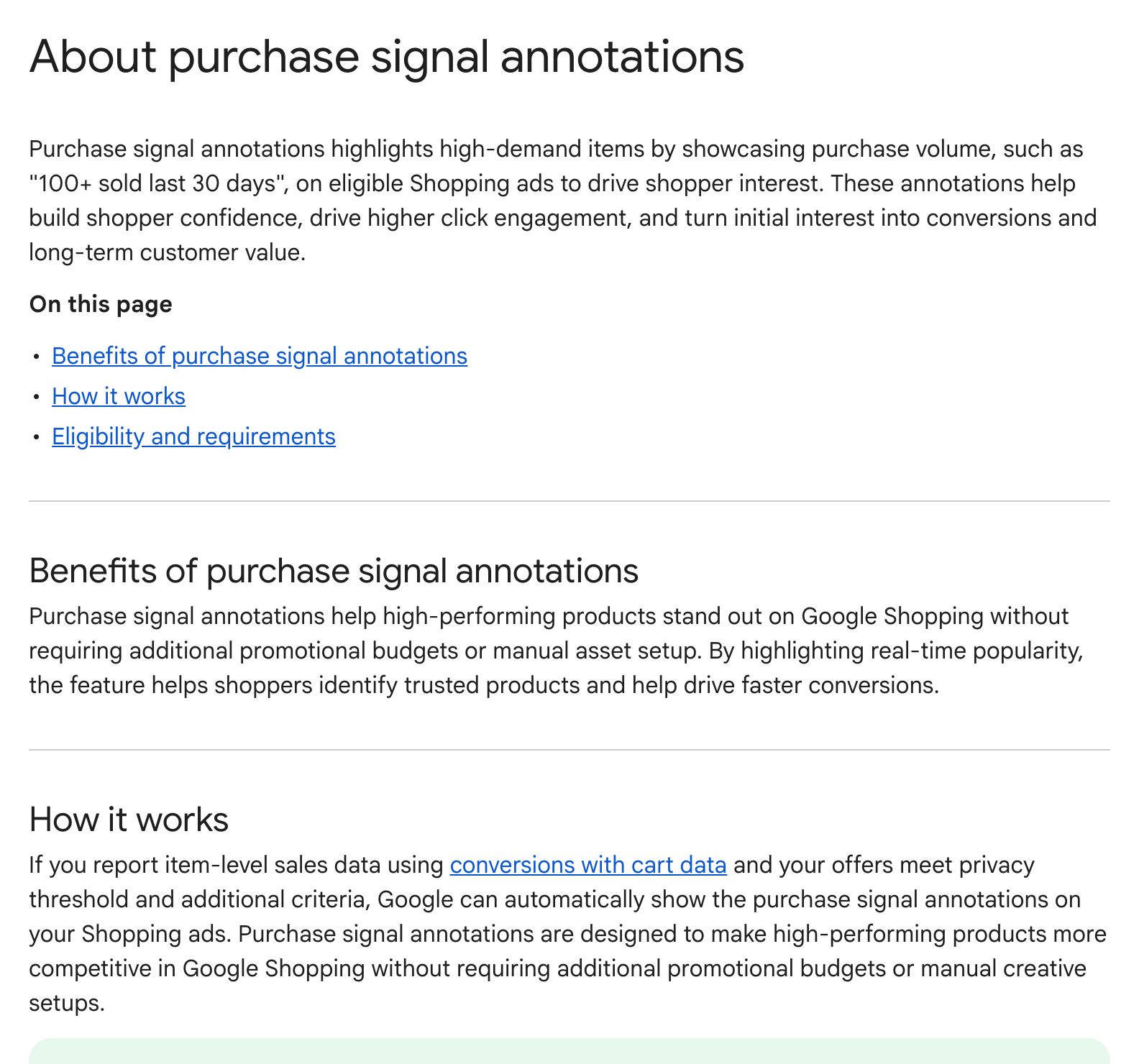
According to the About purchase signal annotations page, Google can show the annotation automatically when two conditions are met:
- You report item-level sales data using conversions with cart data.
- Your offers meet a privacy threshold and additional criteria. The page does not say what those other criteria are.
There is no setting to turn on. The page describes the feature as working without extra promotional budget or manual asset setup.
What the label shows
The page gives two examples of the wording:
- In its introduction: 100+ sold last 30 days.
- In a worked example, an item with 1,500 Google-attributed sales in the last 30 days may show a badge reading 1K+ sold last 30d.
The label shows a bracket rather than the exact number, so the exact sales figure is not disclosed. The page ties the minimum volume threshold to privacy.
Eligibility and requirements
- Data source: only Google-attributed conversions count. In Google's words, the annotations "do not reflect sales occurring outside of Google ad channels."
- Tracking: you need conversions with cart data reporting item-level sales.
- Volume: an offer must meet a minimum volume threshold. The page does not give the number.
- Markets: available globally excluding the EEA, the UK and Switzerland.
- Formats: mobile and desktop web search formats.
The page carries no date and Google has not published an announcement about it that we could find, so we can't say when the annotations started appearing.
Why it matters for advertisers
A sales count is social proof shown next to the price, which could lift click-through rate on popular products. Google's page claims higher click engagement, but it gives no figures.
Because the count only includes sales Google attributes to its own ads, a product that sells well through other channels may show a low bracket or no label at all. Brands with most of their volume on marketplaces or in stores are likely to see fewer labels than their total sales would suggest.
The requirement for conversions with cart data matters too. Advertisers who send only a total order value, without item-level product data, would not be eligible according to the page. That gives retailers one more reason to check their purchase tag.
Advertisers in Europe should note that the EEA, the UK and Switzerland are excluded, so campaigns there will not show these labels for now.
What to do now
- Check your purchase tag. Make sure your purchase conversion sends conversions with cart data, the details of the products sold in each transaction, and not only an order total.
- Look at your ads. Search for your best sellers in a market outside Europe and see whether a sold-count label appears.
- Watch CTR by product. If labels appear, compare click-through rate for labelled and unlabelled products over the same period before drawing conclusions.
- Don't expect it for every product. Low-volume items are unlikely to pass the minimum threshold.