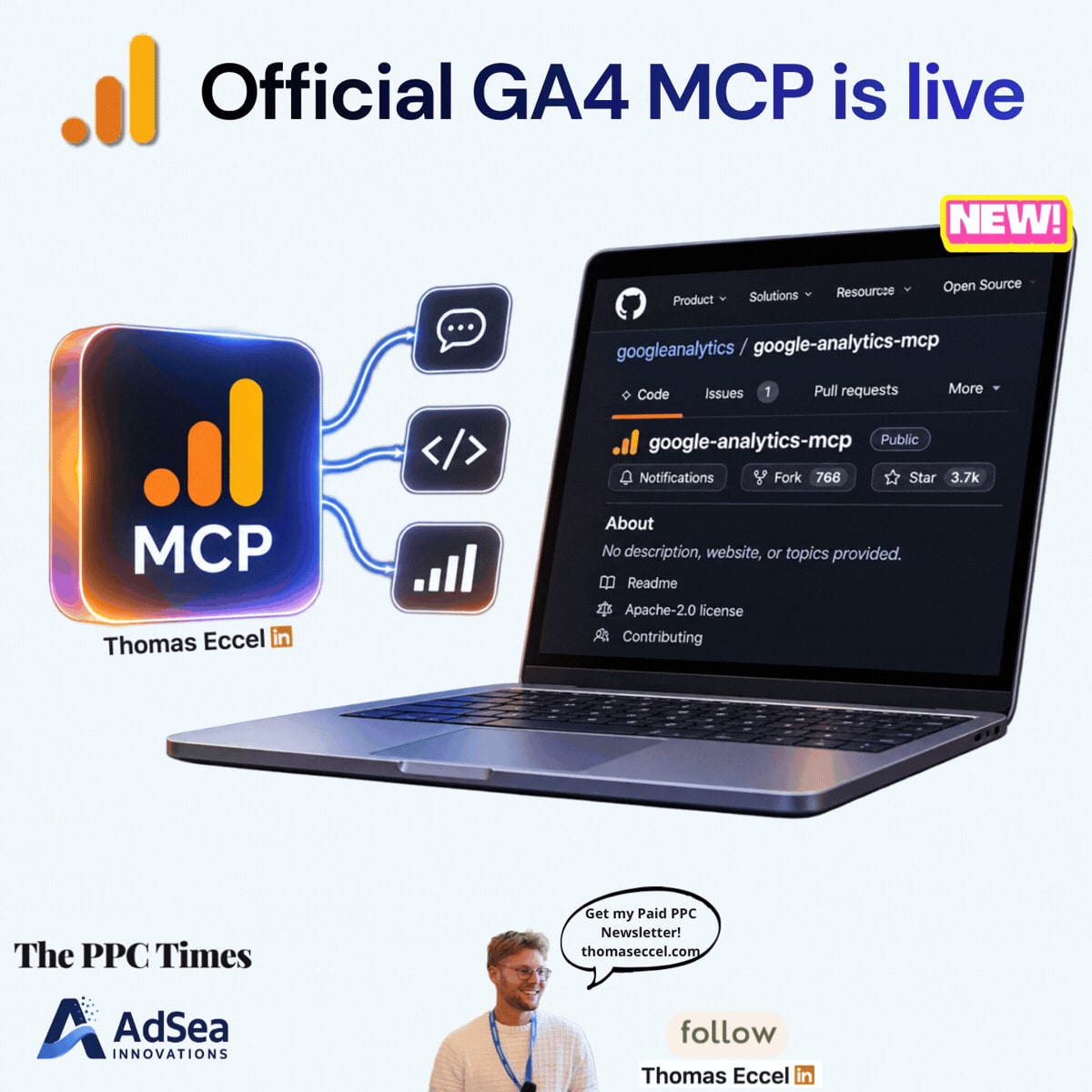
Google has released version 1.0.0 of its Google Analytics MCP server, the open-source tool that connects Analytics data to AI assistants. The release on GitHub, dated November 3, 2026, takes the project out of experimental status. The server itself isn't new: the repository dates from July 2025. Anyone who works with Analytics reports can try it, though setup still takes some technical work.
What's changing
MCP stands for Model Context Protocol, and it is how the server plugs into AI tools. Once connected, you ask questions in plain language and the assistant pulls the answer through the Google Analytics Admin and Data APIs. Google's developer documentation lists Claude Desktop, Claude Code, Cursor and Antigravity among the supported clients.
Three points stand out for advertisers:
- Status: the change behind 1.0.0 is described as graduating from experimental. The package is now labelled Production/Stable; version 0.8.0 was still labelled Beta.
- Hosting for teams: 1.0.0 adds a multi-user HTTP mode with OAuth 2.1. Each person signs in with their own Google account, instead of everyone sharing credentials on one server.
- Reports for paid media: the
run_conversions_reporttool, added in May 2026, covers ad costs, conversions, ROAS and attribution models.list_google_ads_linksshows which Google Ads accounts are linked to a property. Funnel and realtime reports are included too.
Write access needs more care, because the sources don't all match. Version 0.8.0, released on October 22, 2026, added an --allow-write flag, which is off by default, and a tool that creates property annotations. Tools for creating custom dimensions and key events were merged into the repository on November 4, 2026, so they are not part of 1.0.0, which is still the latest version on PyPI at the time of writing. Meanwhile, Google's documentation states: "The MCP server is available for read requests only."
Why it matters for advertisers
Leaving experimental status could make it easier for agencies and in-house teams to consider the server for regular work rather than side projects. For PPC managers, the conversions tool is the most relevant part: questions about ad costs, ROAS and attribution could be answered in a chat instead of a custom report.
The multi-user mode is likely to matter most for agencies, where several people need access to different properties. There is a limit to note: the README says the built-in OAuth option keeps its sign-in data in memory, so it needs a single instance or sticky sessions, and a restart means signing in again.
Setup is still not one click. You need Python 3.10 or higher, a Google Cloud project with both Analytics APIs enabled, and credentials with the read-only Analytics scope. The server is a way to ask questions, not a replacement for checking the numbers.
What to do now
- Get it from the source: the code and setup steps are on GitHub, and the package is
analytics-mcpon PyPI. - Start read-only: use the
analytics.readonlyscope and leave--allow-writeoff. Google's documentation asks for at least the Viewer role on the property. - Test on a property you know well: compare the assistant's answers with your Analytics reports before relying on them.
- Check your data rules first: before connecting client accounts to an AI tool, review your client agreements and company policy.
- Waiting for the write tools? Watch the repository for the next release if you want to create custom dimensions or key events this way.